
An arrow is blocked
Remove every arrow standing between its head and the board edge. If the arrows ahead are already leaving, your correctly ordered tap waits rather than counting as a mistake.
Help center
Help with puzzles, progress, purchases and ads. Find an answer below or get in touch with us.
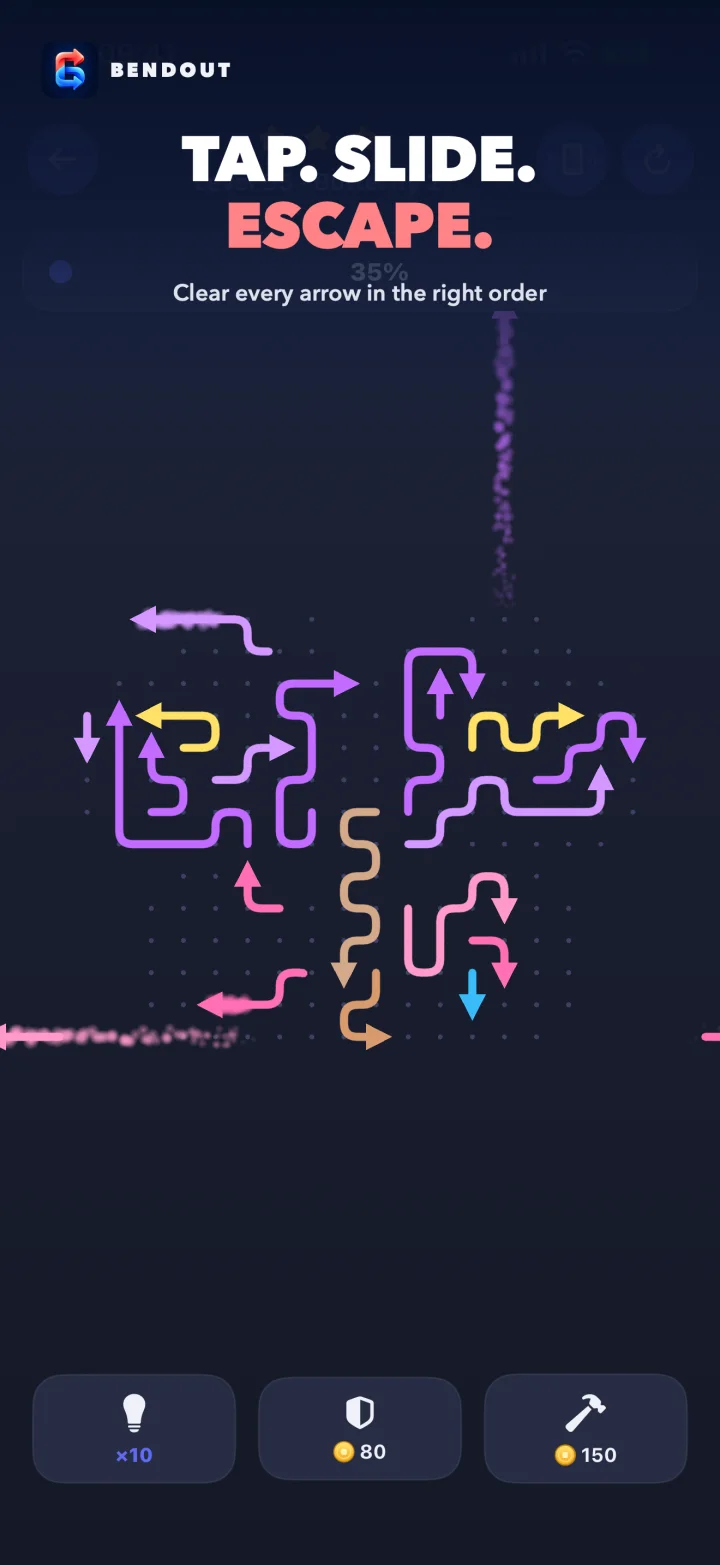
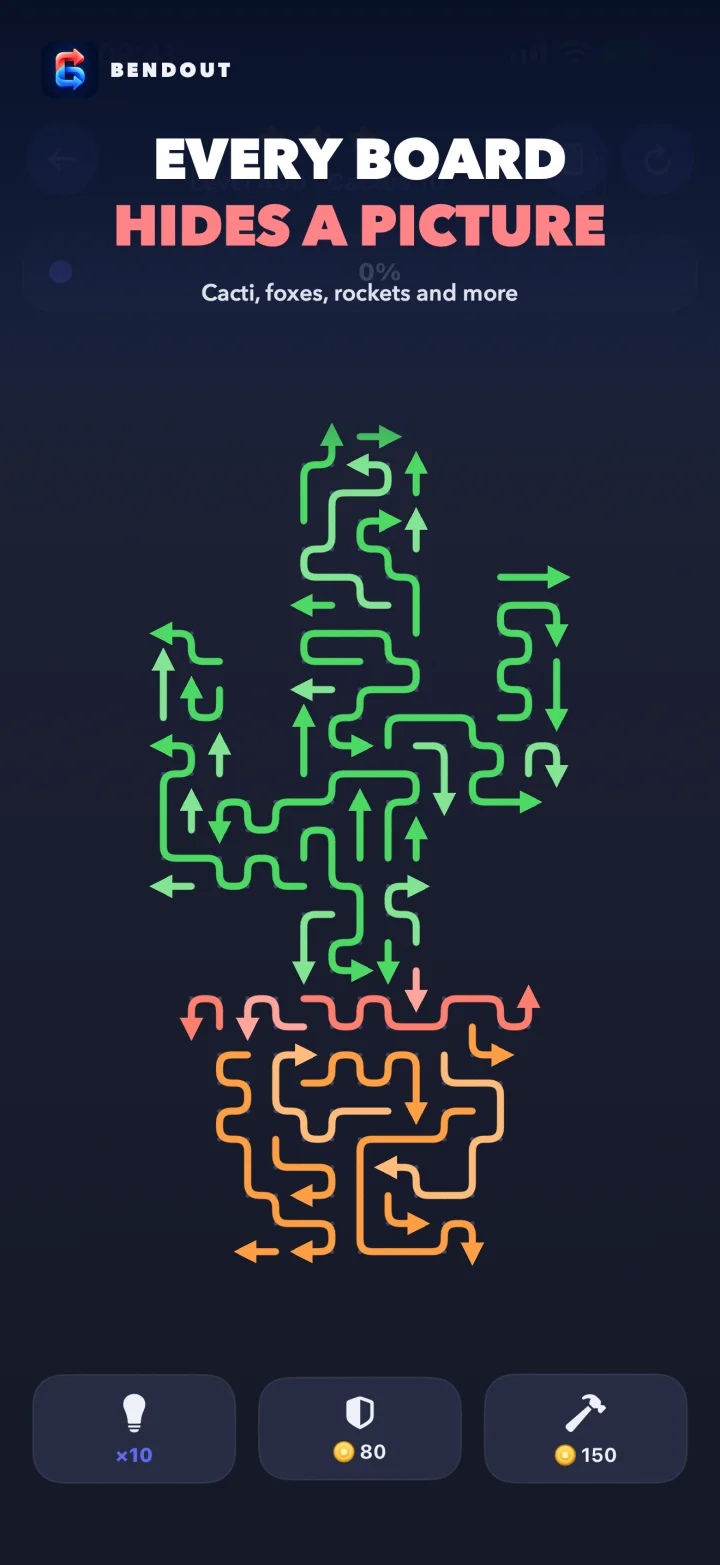
Only the arrow you tap moves. The route from its head to the edge must be clear.
Remove every arrow standing between its head and the board edge. If the arrows ahead are already leaving, your correctly ordered tap waits rather than counting as a mistake.
The first blocked tap is free, and large boards give extra warnings. Later blocked taps cost stars. Losing all three stars loses the level and costs one of your five lives. One life returns every 30 minutes.
Hint shows an arrow that can leave now. Shield protects one star from the next mistake. Smash removes one chosen arrow even when it is blocked.
Pinch where you want to zoom. Use the zoom out control above the board to return to the whole picture.
Answers to common questions about your game, your purchases and how Bendout works.
Use the same Apple Account with iCloud turned on, then install and open Bendout on the new iPhone or iPhone Duo. A fresh install can restore cleared levels, stars, best times, gold, lives and boosters from your Bendout iCloud backup. TuranliApp cannot recreate progress when no iCloud backup exists.
Open Bendout Settings and tap Restore purchases. This restores the No Ads entitlement, including No Ads from the Starter Pack. Gold, lives and boosters are consumable items and are not restored from Apple purchase history. They can return through your Bendout iCloud backup.
Close and reopen Bendout with an internet connection. If it is still missing, email us with the product name and Apple receipt. Do not send payment card information.
Automatic full screen ad breaks do not appear before level 10. They appear only after a win, never after a loss, at most after every third win and at least three minutes apart. Rewarded videos play only when you choose a reward.
No Ads removes automatic ad breaks between levels. Optional rewarded videos remain available when you choose to watch one for a reward.
Yes. Puzzles and locally saved progress work offline. Internet access is needed for purchases, purchase restore, rewarded videos and iCloud backup updates.
Apple handles Bendout payments and refunds. Visit reportaproblem.apple.com and sign in with the Apple Account used for the purchase.
Include your iPhone model, iOS version, Bendout version and build, the level number and a short description of what happened.
TuranliApp@gmail.com
We normally reply within a few days.