
The basics
How EmberHome works
Five tabs
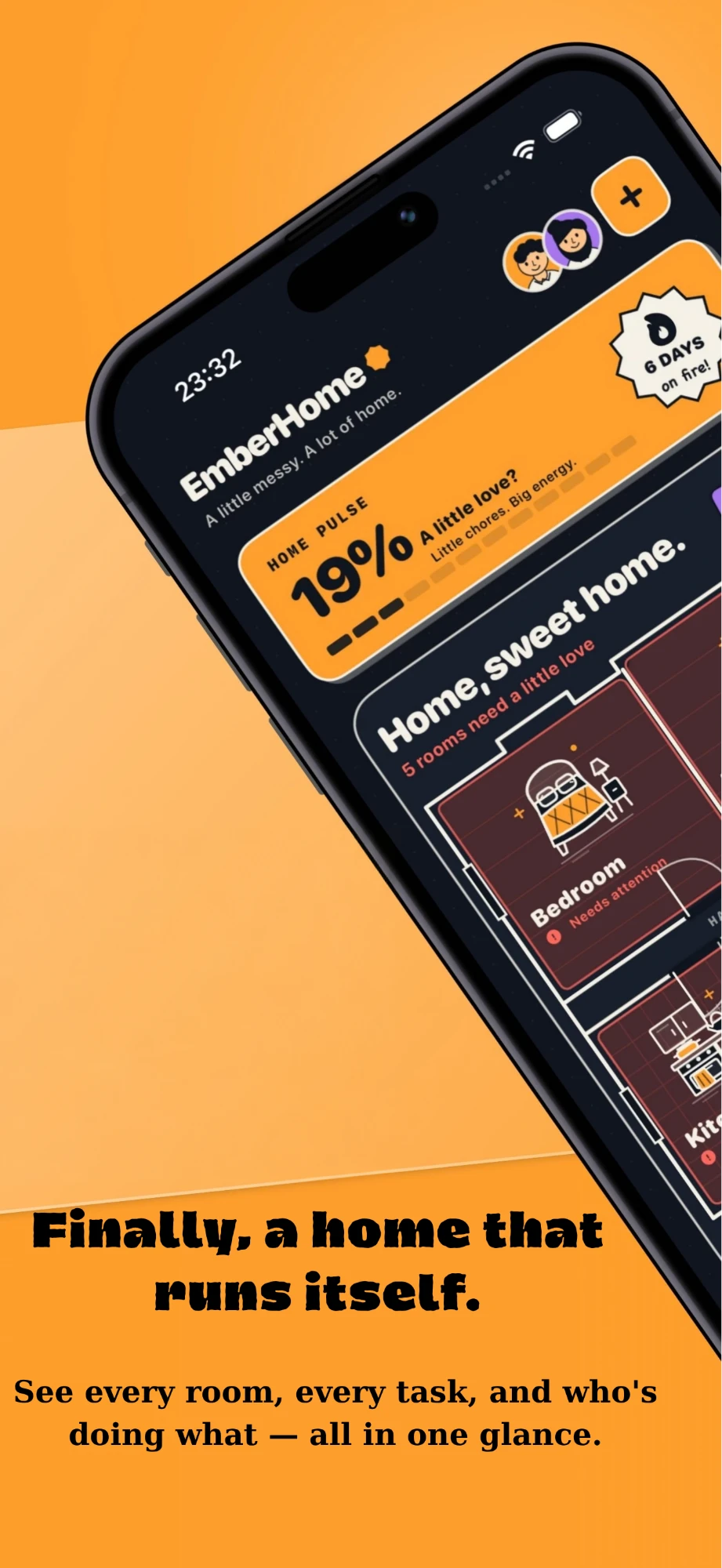
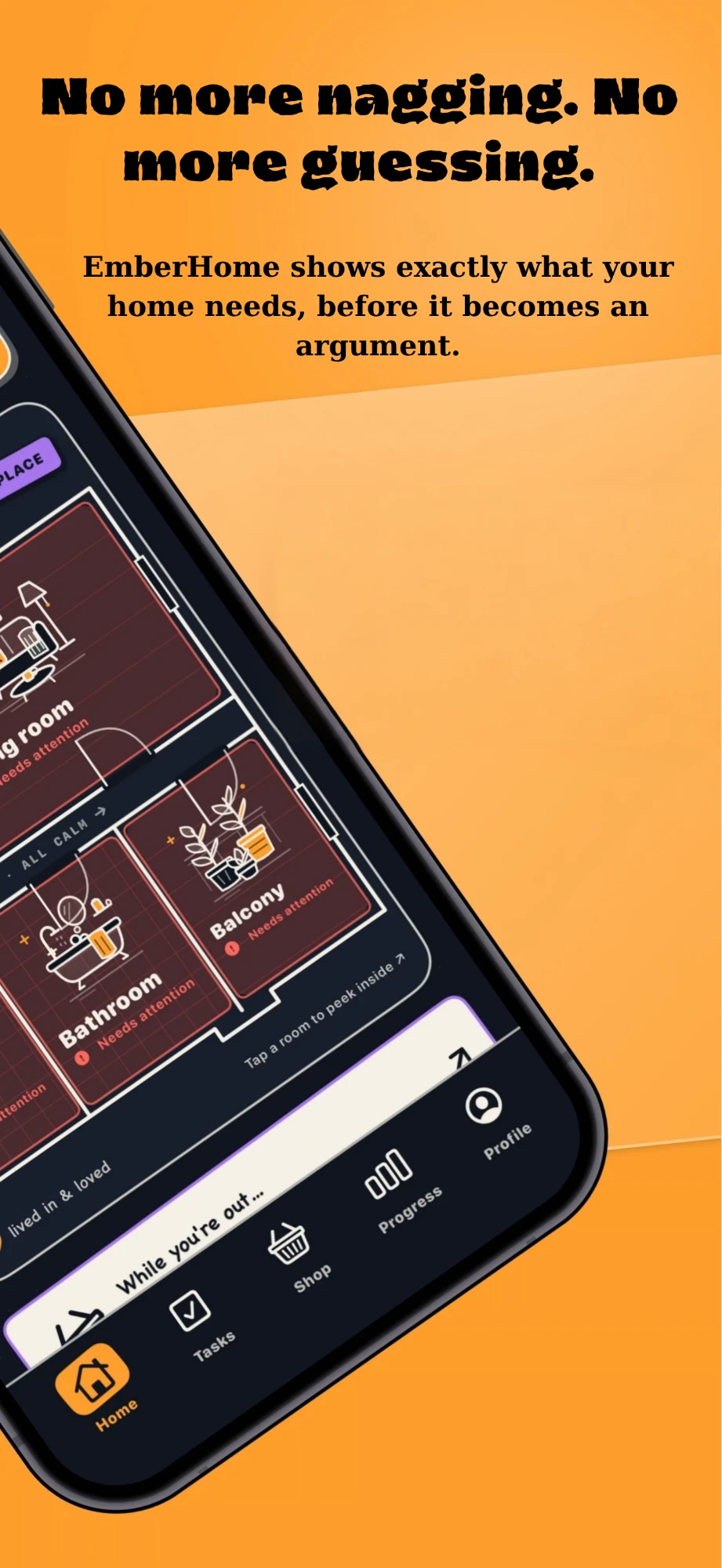
- Home shows your rooms and how much attention each one needs.
- Tasks is the shared chore list. Each chore has a room, a person, a due date and points.
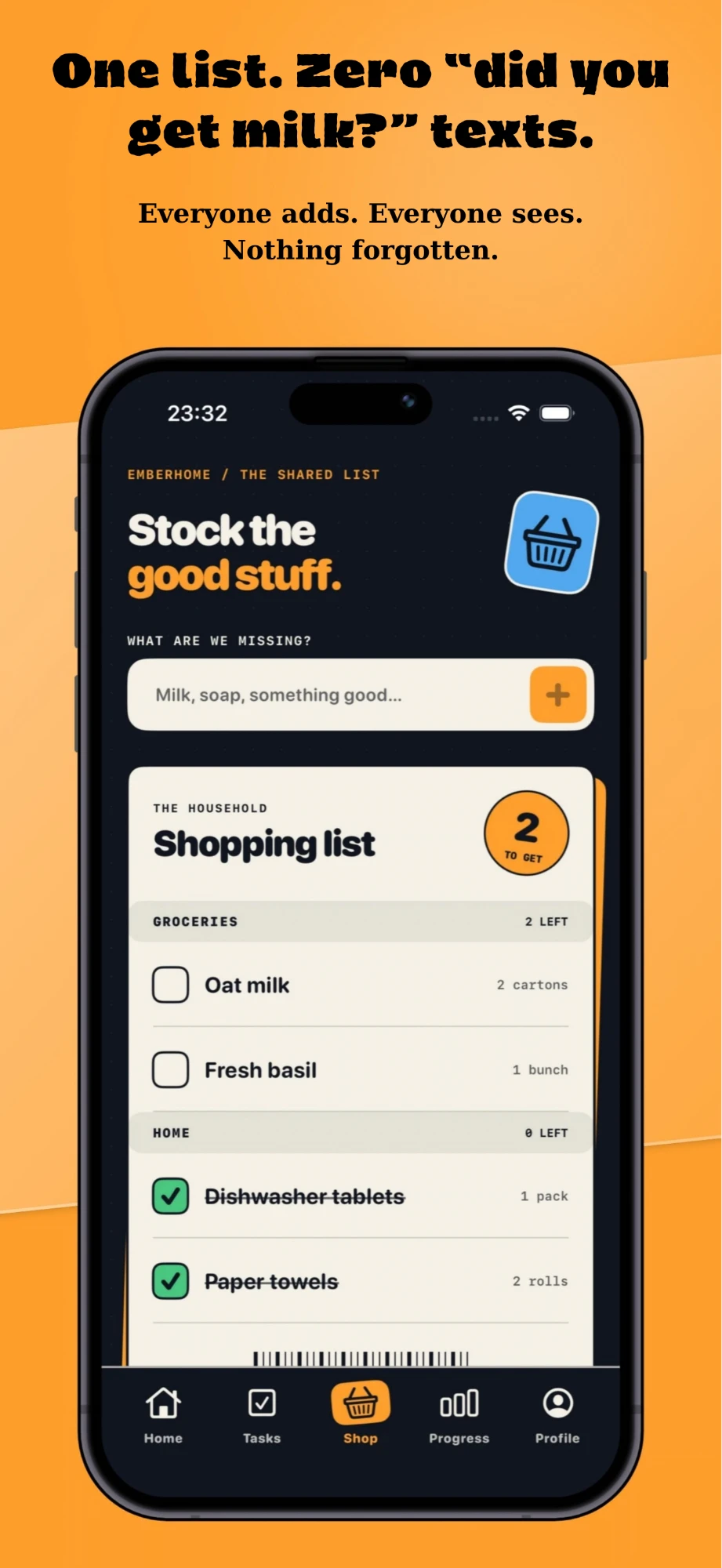
- Shop is the shared shopping list. Anyone in the home can add or tick off items.
- Progress shows the points and streaks your home has earned.
- Profile holds your household, Ember Plus, sign-out and account deletion.
Everything is shared
What you add appears on the phones of everyone in your home, usually within a few seconds.
EmberHome follows your iPhone's language: English, Turkish, German, French, Spanish, Italian, Dutch or Brazilian Portuguese.
Living room
Your home and invites
Create a home
After you sign in, choose Create a home and give it a name. You become its owner.
Invite people
Owners and admins share an invite code from Profile > The household. It looks like EH-XXXX-XXXX, works for seven days and can be redeemed up to twelve times. Creating a new code cancels the old one.
Join a home
Choose Join with code and enter the code you were given. New members join as roommates; the owner can make them admins later.
“That invite code has expired” or “is not active”
The code is older than seven days, was replaced by a newer code, or has reached its member limit. Ask the owner or an admin for a new code.
“This account already belongs to another household”
An account can belong to one home at a time.
Front door
Sign-in
Which sign-in options are there?
Sign in with Apple, or an email address and password. Email accounts need to confirm their address before creating or joining a home.
The verification email didn't arrive
Check your spam or junk folder, then tap Send the verification email again in the app. Make sure the address you typed is correct.
I forgot my password
On the sign-in screen, enter your email address and tap Forgot password? Send a reset email.
Extra room
Ember Plus
What it adds
EmberHome is free to use. Ember Plus is an optional subscription that adds:
- Recurring chores that reset themselves every day, week or month.
- Household insights on the Progress tab that show who might need a hand.
Plans and billing
Ember Plus is available monthly or yearly. The yearly plan can start with a free trial; the price and trial length are shown before you confirm. Payment is charged to your Apple Account and renews automatically unless you cancel at least 24 hours before the current period ends.
How do I cancel?
Open the Settings app, tap your name, then Subscriptions, and choose EmberHome. You keep Ember Plus until the end of the period you paid for.
I bought Ember Plus but don't have it
Sign in to the same EmberHome account you used when you subscribed, open Profile > Ember Plus and tap Restore purchases.
Refunds
Apple handles refunds. Request one at reportaproblem.apple.com.
Study
Your data and deleting your account
Delete your account
Go to Profile > Delete account and confirm with your password or with Sign in with Apple.
- If you are the last member of your home, the home, its chores, shopping list and invite codes are deleted too.
- If other people still live in the home, it stays with them. Chores assigned to you become unassigned, and if you owned the home, another member takes it over.
Deleting your account doesn't cancel Ember Plus
Cancel the subscription in your Apple Account settings (see Ember Plus) to stop future charges.
What we store
The EmberHome Privacy Policy lists exactly what the app stores and why. EmberHome has no ads and does not track you.
Hallway
Syncing
My changes aren't showing on my housemate's phone
Both phones need an internet connection. Changes made offline are sent as soon as the connection returns. If a change still doesn't appear, close and reopen the app on both phones.
Mailbox
Still stuck? Write to us
Include your iPhone model, iOS version and the EmberHome version shown at the bottom of the Profile tab. Never send your password.